This checklist outlines a systematic approach to optimizing your YouTube videos for higher search rankings. The foundation is thorough keyword research using tools like Google Keyword Planner to find relevant, high-opportunity search terms, which must then be strategically implemented. Create compelling, keyword-rich titles under 60 characters that accurately reflect the content, avoiding clickbait. Write detailed video descriptions that incorporate primary keywords naturally within the first sentences and include clear calls-to-action to boost engagement. Utilize a focused set of 5-15 specific and broad tags to help YouTube’s algorithm understand your video’s context. Design eye-catching, high-quality thumbnails with bold text and strong branding that truthfully represent the video to maximize click-through rates. Beyond these core metadata optimizations, actively promote viewer interaction by asking questions and responding to comments. Furthermore, adding closed captions and transcripts is crucial, as they make your content accessible and provide searchable text that significantly improves YouTube’s understanding of your video, aiding discoverability. By methodically applying this complete checklist—from initial keyword targeting to post-publish engagement—you can enhance your video’s visibility, attract more viewers, and build a growing channel.
Key Takeaways
- Thorough keyword research is very important. It helps you find popular, less competitive keywords for your video.
- Once you have your keywords, add them to clear and interesting video titles.
- Your video descriptions should include details and use keywords, giving viewers a good idea of what it’s about.
- To help people find your video, use a mix of specific and broad tags.
- Also, create attractive thumbnails that show what your content is about and help get more clicks.
Research Relevant Keywords
Begin by thinking of words related to your video.
Think about what viewers might search for and use different forms of those words.
Use tools like Google Keyword Planner or TubeBuddy to check search volume and competition.
Focus on keywords that have high volume and low competition.
Don’t ignore long-tail keywords.
Use these keywords in your video description, tags, and what you say in the video.
Craft Compelling Titles
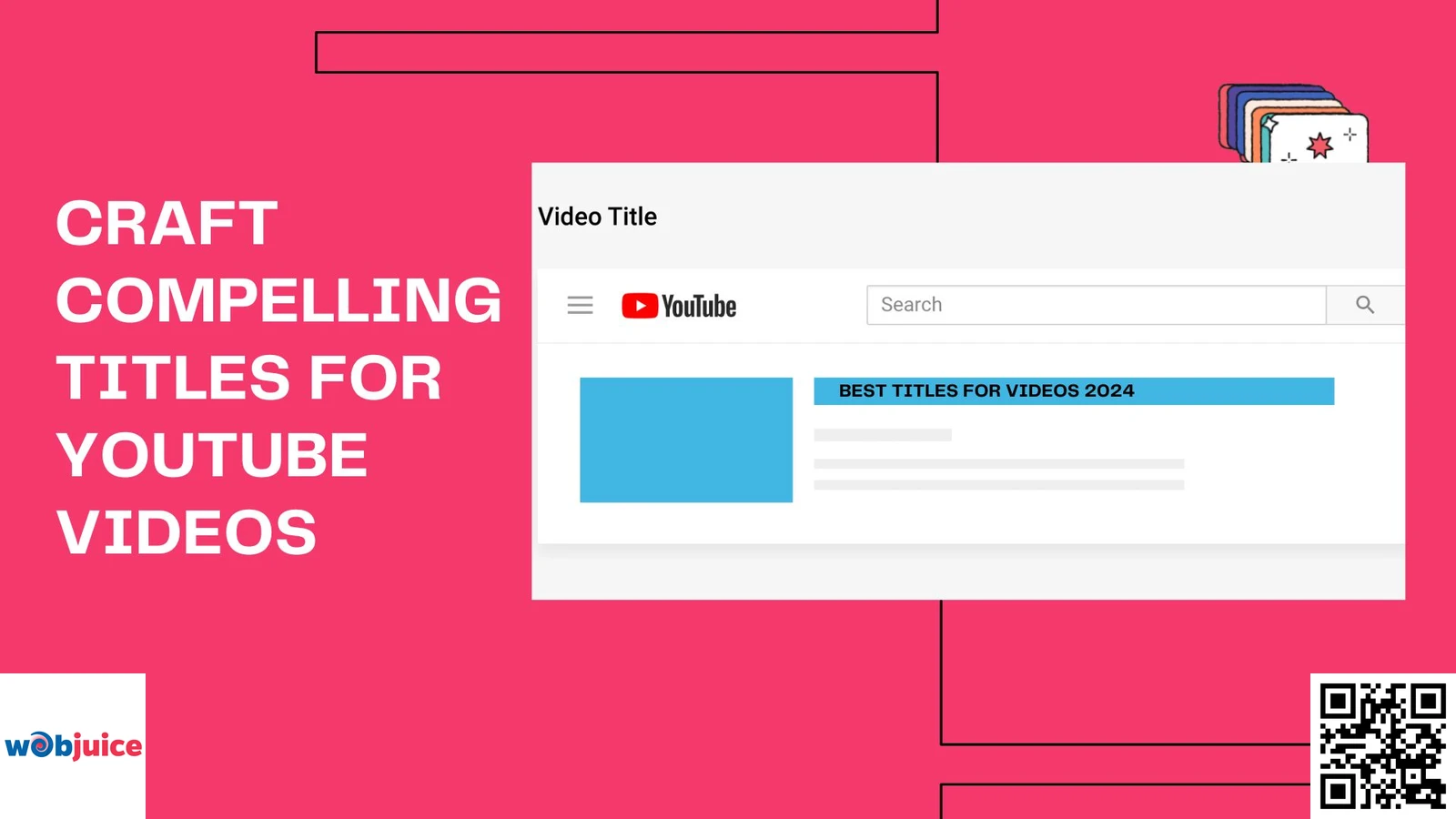
Use important keywords from your research to help it appear in search results.
When making titles for e-commerce product videos, focus on special features and benefits to attract customers.
Keep titles clear and direct.
Aim for about 60 characters so they show fully in search results.
Use action words that spark interest, like “learn,” “find,” or “open.”
For example, instead of “Cooking Tips,” you could say “Get Cooking Secrets for Perfect Pasta.”
Think about your audience.
Change titles to match what they like and need.
Be clear about the value they will get from watching.
Adding numbers can also help make it more appealing since viewers usually find them easy to understand.
Avoid clickbait.
It may get you some quick clicks, but it can also make people leave your site and hurt your channel’s trustworthiness.
By creating titles that truly show what your content is about and are still interesting, you can make a good video.
Optimise Video Descriptions
To master YouTube SEO in Ireland, you need to do more than just improve your descriptions.
You should make a complete plan for your whole channel.
This easy but strong method can improve how well your channel does.
Don’t overlook this important step.
Call-to-Action Phrases
Make your CTAs clear and direct.
Use phrases like “Don’t forget to subscribe for more content” or “Comment below with your thoughts.”
These prompts help viewers to engage easily.
Connecting to related videos or playlists can keep viewers on your channel longer.
Urgency encourages people to act.
Phrases like “Watch now to learn more!” or “Limited time offer!” push for an immediate response.
Using the right keywords in calls to action can help with SEO.
Well-placed CTAs change viewers into active participants.
This increases engagement and helps your YouTube channel grow.
Keywords in Descriptions
Start by looking into the keywords that your target audience searches for.
Use these keywords in the first few sentences of your description.
However, do not stuff your text with keywords.
Think about using different forms of your main keywords to reach more people.
Utilise Tags Effectively
Start with a combination of specific and broad tags.
Specific tags are directly linked to your video’s content.
It’s important to optimize your video metadata.
Research keywords that relate to your niche.
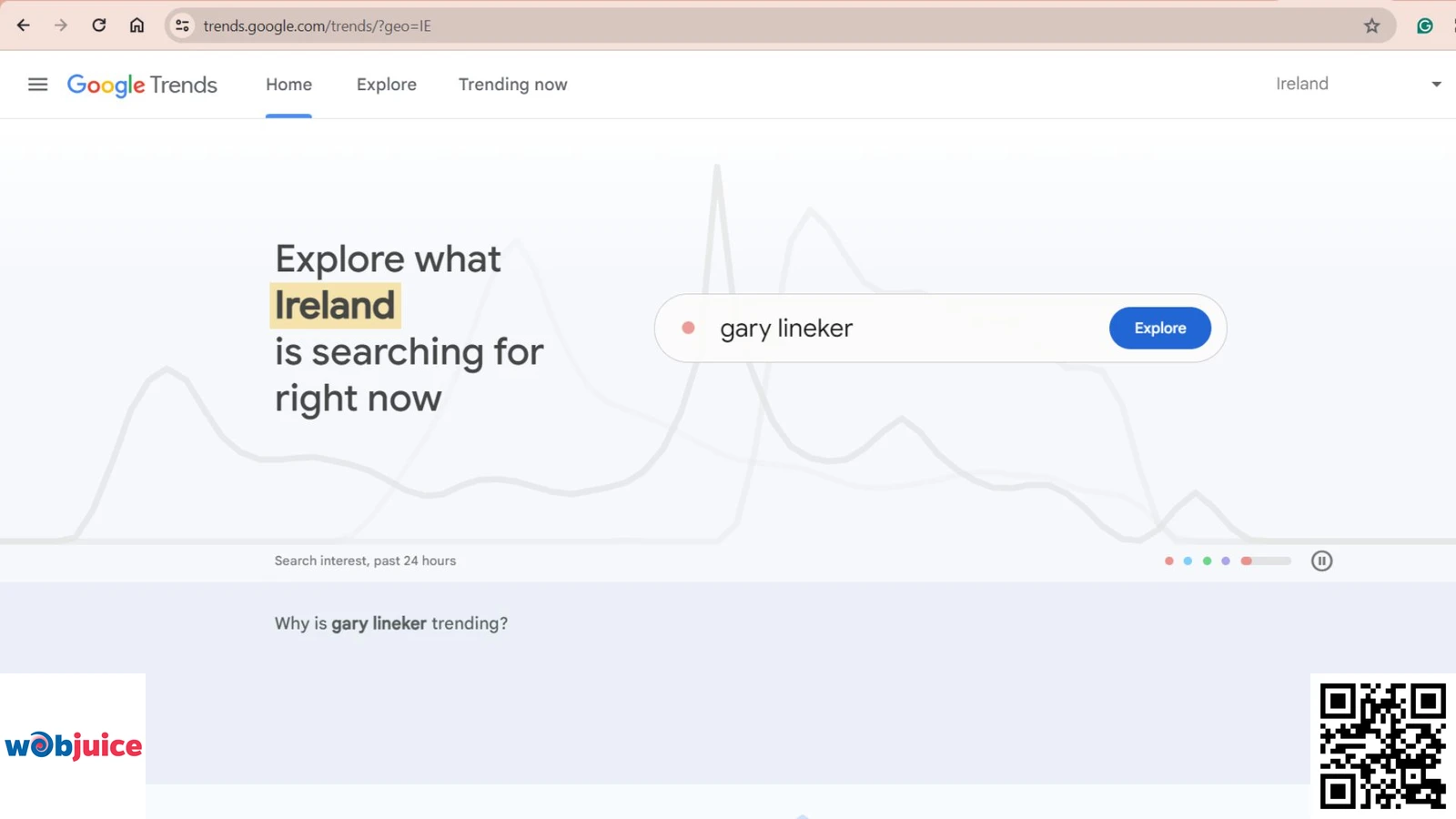
You can use tools to help you find popular search terms, like Google Trends or YouTube’s search suggestions.
Once you have your keywords, use them in your tags.
Avoid stuffing your tags with unnecessary words.
Instead, keep your tags focused and on topic.
Aim for about 5 to 15 tags for each video.
This range helps you be both complete and clear.
Design Eye-Catching Thumbnails
Start by using good images that show what your video is about.
Use bold and easy-to-read fonts that are clear, even on small screens.
Keep your design simple.
A lot of clutter can overwhelm viewers.
Use different colors to make your text stand out from the background.
Think about adding your branding tools, like your logo or particular color patterns.
Remember, thumbnails should show what your video is really about.
If images are confusing or wrong, people might leave quickly.
Frequently Asked Questions
What is a YouTube optimization checklist, and why is it important?
The YouTube Video SEO optimization checklist is about making your videos and channels better so they show up more in YouTube search results. A video SEO checklist is important because when your videos are easier to find, you get more views. This means more people subscribe and engage with your content. A bigger audience can help raise brand awareness and bring in more money.
How can I pick the right keywords for my YouTube videos?
To pick good keywords, do keyword research with tools like Google Trends or YouTube’s autocomplete feature. Look for phrases that match your video content and have a good amount of searches. Put these keywords in your video title, description, and tags in a smooth way.
What are some important parts to put in my video description to improve SEO?
Your video description should have a clear overview of what it contains. Use important keywords, mostly in the first 25 words. Try to write at least 250 words to give some background information and improve keyword focus. It’s also good to add links to related content and include a call to action.
What are some key elements to include in my video description for better SEO?
Closed captions and transcripts help improve YouTube SEO. They make it easier for search engines to read your videos. With text, it is clearer what your video is about. This can lead to more views, as people can find your video easily. When you add text, it can also help viewers understand the content better. More engagement can give your video a boost. Overall, text features on videos are good for both people and search rankings.
How do closed captions and transcripts impact YouTube SEO?
Adding closed captions and transcripts makes it easier for more people to access your video. It also helps YouTube understand what your video is about. The words said in the video will show up in the captions. This can help your video rank higher in search results for those words. As a result, your video can get more views and keep viewers engaged.
What role do tags play in the YouTube video optimization checklist?
Tags help improve the visibility of your YouTube videos. They make it easier for people to find your content. Using relevant tags can tell YouTube what your video is about. This can help your videos show up in search results. So, good tags can increase your views and reach.
Promote Engagement and Interaction
Creating fun thumbnails and getting viewers to join in are important to keep people interested in YouTube.
Creative content ideas can help you stand out on YouTube.
To make this connection better, ask questions in your videos or add polls in your community tab.
Invite viewers to share their thoughts in the comments, and be sure to reply to them.
Also, think about adding calls to action (CTAs) that ask viewers to subscribe or watch another video.