In today’s digital-first marketplace, simply listing your business online is no longer enough. To truly dominate your local search landscape and forge meaningful connections with your community, a proactive and strategic approach is essential. This is where Google Business Profile (GBP) Posts become an indispensable tool in your digital marketing arsenal. Far more than a basic update feature, GBP Posts serve as your business’s direct communication channel on the world’s most powerful search engine, allowing you to engage, inform, and convert potential customers at the very moment they are seeking your products or services.
Mastering the art of the Google Business Profile Post can dramatically enhance your local SEO, drive foot traffic, and build unparalleled brand authority. By consistently publishing compelling content—from time-sensitive offers and event announcements to valuable updates and engaging visuals—you send powerful signals to Google that your business is active, relevant, and trustworthy. This guide will delve into the core types of GBP Posts, unveil their significant benefits for increasing online visibility and fostering direct audience engagement, and provide a clear, step-by-step blueprint for creation and optimization. Furthermore, we will explore best practices for maximizing engagement and the critical metrics for measuring performance, empowering you to transform your GBP from a static listing into a dynamic growth engine. Unlock the full potential of your local presence and learn how to leverage this powerful, free tool to outshine competitors and attract more customers.
Key Takeaways
- Google Business Profile Posts are updates that businesses share on Google. They share these posts to get noticed and connect with customers.
- The posts can tell people about events or special deals. This helps attract and inform others.
- When businesses post often, they can improve their search rankings. That means they are active and can be found in local searches. These posts also help build trust with customers by showing what they know.
- To make these posts work better, businesses should create fun content with nice pictures and clear actions for viewers. This text shows how important Google Business Profile Posts are for improving a business’s online presence.
Overview of Google Business Profile Posts
Google Business Profile Posts are great tools for talking directly to your audience on Google.
You can share updates, special offers, and useful information.
This will help you get noticed more in local search results.
When used well, these posts help you talk to potential customers and improve your brand’s online presence.
To get the best from your posts, use key tips for your Google Business page.
Make sure your posts fit your business plan.
Posting regularly tells Google that your business is busy.
This can improve your search ranking. It will help customers find you more easily.
Types of Posts Available
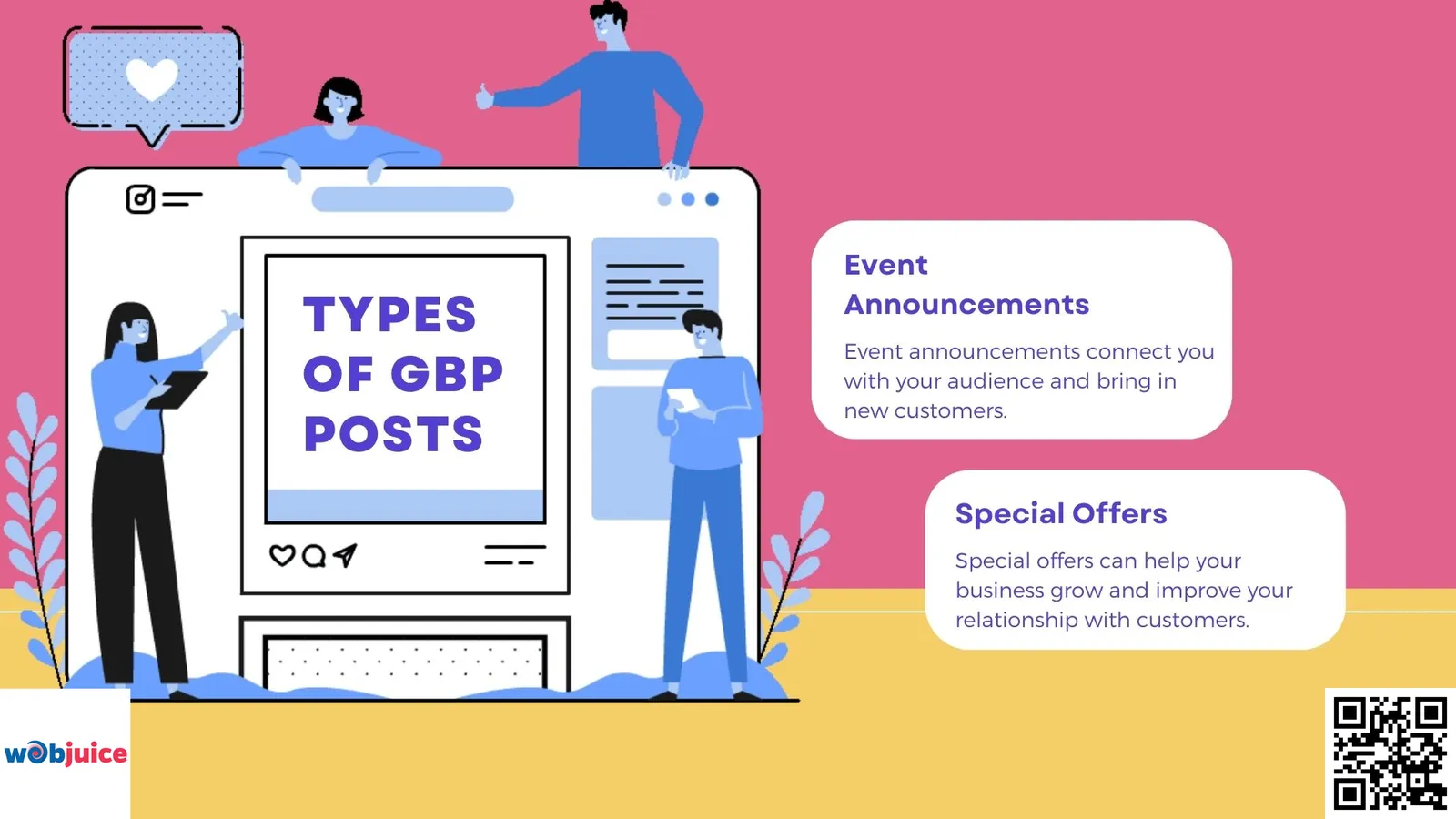
You can share news about events and special deals.
Announcing events helps let people know what is happening soon.
Special deals attract new customers and increase sales.
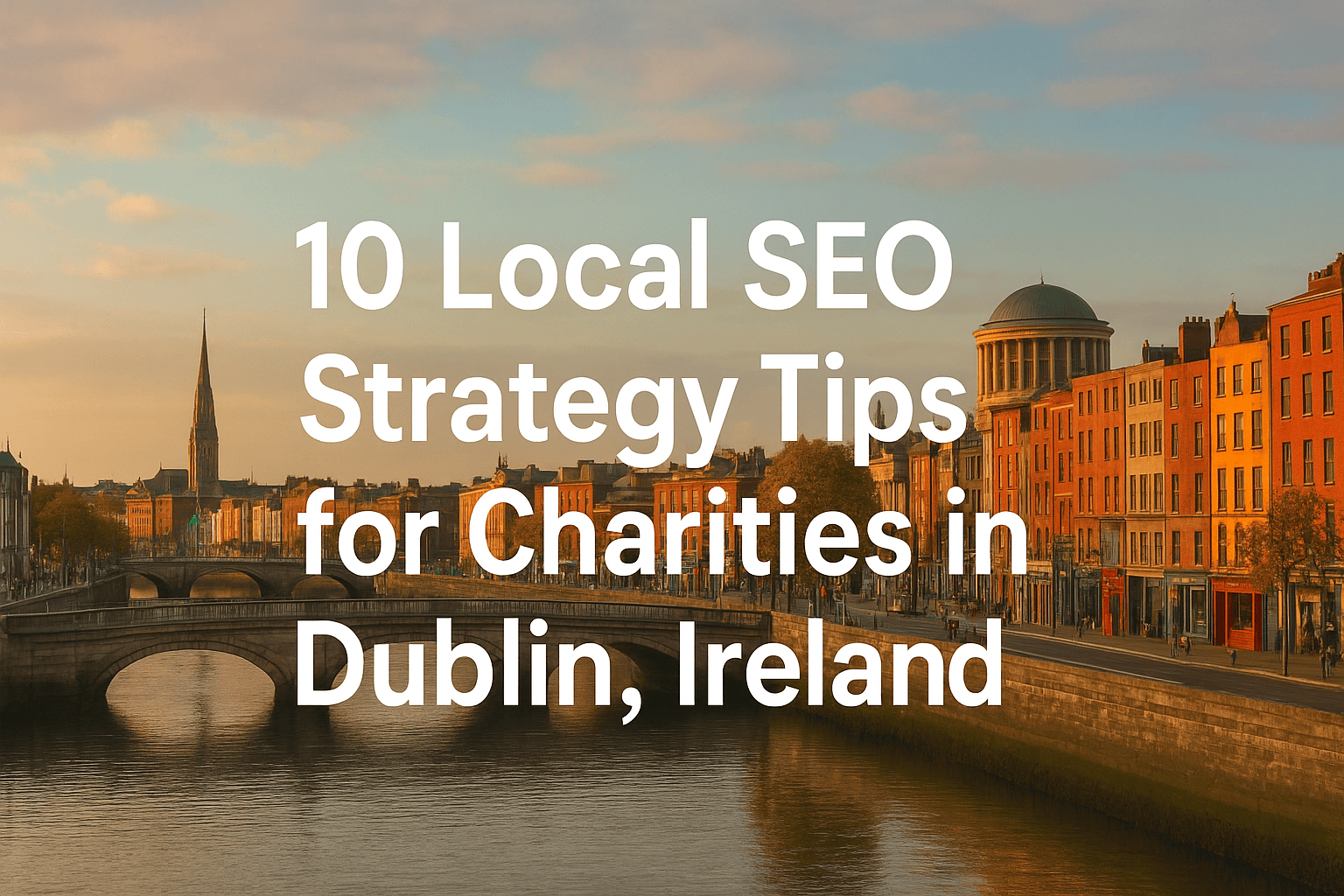
Local SEO strategies in Dublin can boost your business’s online presence and visibility in your area.
Using these methods, along with your Google Business posts, can boost your reach and create a bigger effect.
Understanding how to use these posts can help you show up better in local search results.
It’s important to use each kind of post correctly.
This way, you can benefit the most from your Google Business page.
Keep your posts clear and fun.
Use strong, active words to get attention.
Make your content fit for your audience.
Update your profile often with new and important information.
This will help you have a strong online presence and attract more local customers.
Event Announcements
Event announcements connect you with your audience and bring in new customers.
Google Business posts are a good way to share your events.
These posts make people excited about your business and make it easier for others to find you online.
To improve your event announcements, add key details like the date, time, and place.
A catchy description can draw in guests.
Using eye-catching pictures or videos can make your post look better and help it be shared more.
Special Offers
Special offers can help your business grow and improve your relationship with customers.
If you use these deals in Google Business posts, they can attract customers and make your brand more noticeable.
Use Google Business Profile to show special deals that are available for a limited time.
Highlight key details, like when the deals end and what the terms are.
This catches people’s attention and makes them act quickly.
These posts help you appear better in local search results.
When people look for services like yours, your special deals stand out more.
This can bring in more visitors to your place and more online interactions.
Benefits for Businesses
Google Business Profile Posts can help you get noticed online.
They make it simple for new customers to find you.
This helpful tool has several good things for businesses that want to grow their online presence.
Maximize your Google Business Profile by updating and improving your posts regularly.
This helps you get better search results.
It also keeps you ahead of your competitors and ensures that your business information is current.
Talking directly to your audience with these posts helps to create a connection.
This connection builds brand awareness and loyalty.
When you use this tool effectively, you can enhance your business’s visibility in a crowded market.
Increased Online Visibility
Google Business Profile posts are a great way to boost your online presence.
They help customers find you quickly.
When your business appears at the top of search results, more people will visit your website and location.
Each post you make has two key roles.
It shares what you offer with your audience and boosts your search engine rankings.
Using targeted keywords, you can improve your rankings and also by making quality content.
This will bring more visitors to your business.
Direct Audience Engagement
Direct audience engagement allows you to connect with customers directly.
This helps you understand their needs better.
When you listen to your audience, you create stronger relationships.
Engaging with your audience also gives you feedback.
You can improve your product or service based on what they say.
Overall, direct engagement can make your business work better and grow.
Enhanced Brand Awareness
Google Business Profile posts help raise brand awareness and visibility.
These posts are like small ads.
They show what you offer and help create a lasting impression for future customers.
When you use them well, you give your brand a voice.
Customers tend to choose a business they feel connected to.
Your posts can share special deals, new products, or events.
How to Create a Post
Log into your account. Go to the “Posts” section. Click to create a new post.
Choose the kind of post: update, event, or offer.
Write your message using clear and interesting words.
Keep it short while making sure it shares good information.
Aim for 150 to 300 words.
Use important keywords to boost your SEO.
Add a nice image or video to make it more interesting.
Local reviews can change how people view your business.
It’s important to highlight good customer experiences when it is reasonable.
Preview your post. Make any changes you want. Then, click “Publish.”
Your post is now live. It can reach people who want your services.
Update your posts often.
This keeps your audience informed and tells Google that your business is busy.
Start posting today to grow your business.
Best Practices for Engagement

To get more people to read your Google Business posts, make content that connects with your audience.
Use clear and simple words. Talk about what makes you special.
Add good images or videos to catch attention.
Visuals help bring more engagement.
Making pages that focus on certain places can help boost your local SEO.
Use strong calls to action (CTAs). Encourage your audience to take action.
They can visit your website, call your business, or share your post.
How you say it matters. Use words that spark curiosity and encourage people to engage.
Post often to keep your audience engaged.
A regular schedule builds excitement and makes your brand stand out as a leader in your industry.
Use local hashtags and keywords. This will help more people find you easily.
Reply to comments and messages fast.
It helps build a sense of community and shows you care about connecting with your customers.
Watch for trending topics in your area.
Make sure your posts match these trends.
This change helps you gain more attention and makes your business a reliable source of information.
Measuring Post Performance
Start by checking engagement rates. Look at numbers like likes, shares, and comments.
These show you how much interest your posts get.
Local listings and links help people view your business better online.
Check the click-through rates (CTR) for links in your posts.
A high CTR shows that you have a strong call to action.
A low rate means you can improve.
Consider the number of views your posts receive.
Customer feedback matters.
Reviews and messages tell us how people feel about your business and what you provide.
Use Google Insights to examine your data more closely.
Frequently Asked Questions
How often should I post on my Google Business Profile to see results?
For optimal impact on your local SEO, aim to publish a new post at least once per week. Consistency signals to Google’s algorithm that your business is active and relevant, which positively influences your local search ranking.
Effective posting frequency includes:
- Weekly specials or promotions
- Monthly event announcements
- Regular business updates or team highlights
- Seasonal content aligned with search trends
What type of GBP Post gets the most engagement from customers?
Posts featuring special offers, discounts, and time-limited promotions generate the highest engagement and click-through rates. The urgency of limited-time offers prompts immediate customer action.
To optimize offer posts for maximum conversion rate:
- Include high-quality images or short videos (minimum 720x720px)
- Incorporate relevant local keywords in titles
- Use clear, prominent CTA buttons (“Book,” “Order Online”)
- Specify explicit expiration dates
- Keep descriptions concise and benefit-focused
Secondary high-performing post types: Event announcements, new product highlights, and customer testimonials also drive significant engagement by building community trust.
Can GBP Posts directly improve my website’s SEO ranking?
GBP Posts serve as powerful indirect drivers of local SEO through enhanced user engagement signals. While they don’t create direct backlinks, they significantly impact your profile’s authority in Google’s Local Pack rankings.
The SEO benefits include:
- Increased Profile Authority: Regular posting improves GBP relevance signals
- Positive Behavioral Signals: Clicks, calls, and direction requests boost local ranking factors
- Enhanced User Engagement: Longer profile dwell time signals business relevance to Google
- Keyword Reinforcement: Content supports your overall local keyword strategy
This creates a virtuous cycle where better posts → more engagement → higher local rankings → increased visibility.
What is the ideal length and structure for a Google Business Profile Post?
Optimize your posts for both readability and search visibility with this proven structure:
Text Optimization:
- 150-300 characters for optimal scannability
- Naturally include 1-2 primary local keywords
- Front-load the most important information
- Use benefit-focused language
Visual Requirements:
- High-resolution images (720x720px minimum, JPG/PNG format)
- Short, engaging videos under 30 seconds when possible
- Brand-consistent visuals for recognition
Technical Elements:
- Always use the built-in CTA button that matches your goal
- Apply relevant post categories (Update, Event, Offer, Product)
- Set clear expiration dates for time-sensitive content
How long do my posts stay visible on my Google Business Profile?
Standard “Update” posts remain prominently visible for approximately 7 days before archiving in the “Updates” section. This ephemeral nature underscores the importance of consistent posting.
Post Visibility Timeline:
- Update Posts: 7 days primary visibility
- Event Posts: Visible until event date passes
- Offer Posts: Display until set expiration date
- All Posts: Archived permanently in “Updates” tab
This cycle encourages regular content updates, which Google interprets as business activity—a positive local search ranking factor.
Conclusion
In summary, Google Business Profile Posts are a fundamental component of a modern local SEO strategy. By consistently leveraging this feature, you directly influence your search visibility, foster authentic customer relationships, and establish your business as a vibrant and authoritative local player.
To encapsulate the strategic imperative:
Visibility & SEO: Regular posting signals activity to Google, boosting your ranking in critical local searches.
Engagement & Trust: Direct communication builds community, showcases expertise, and transforms searchers into customers.
Action & Growth: Effective posts with clear calls-to-action drive tangible results—website visits, phone calls, and store visits.
Ignoring this tool means missing a direct line to your most valuable audience. Begin by auditing your current GBP, crafting a content calendar with diverse post types, and committing to a consistent publishing schedule. Measure your results through profile insights, refine your approach based on performance data, and watch as your online presence transforms.
Ready to elevate your local impact? Start implementing these strategies today. For businesses seeking to accelerate their results, partnering with a specialized SEO agency can provide the expert insight and advanced tactics needed to truly dominate your local market. Don’t just be found—be chosen.