
In the intricate landscape of SEO, duplicate content stands as a silent but pervasive threat, capable of fragmenting your site’s authority, confusing search engine crawlers, and ultimately diluting your hard-earned search visibility. The solution to this critical challenge lies in mastering canonicalization—a powerful, yet often underutilized, technical SEO strategy. This comprehensive guide unveils how proper canonicalization serves as your website’s definitive roadmap for search engines, directing them to your preferred, authoritative content versions. By implementing a clear canonical strategy, you eliminate internal competition, consolidate vital ranking signals like link equity, and protect your site from the detrimental performance impacts of content duplication. We will demystify canonical tags, explore actionable implementation best practices, and equip you with the tools to conduct effective audits. Embrace the insights within to transform duplicate content from an SEO liability into a structured advantage, forging a clear content hierarchy that propels your key pages to the top of search results and drives sustainable organic growth.
Key Takeaways
- Canonicalization is a way to handle duplicate content. It picks a preferred page for search engines to read.
- Duplicate content means the same or very similar text is seen on different pages. This can confuse search engines and hurt SEO.
- Canonical tags are HTML parts that show the best version of a webpage. They help gather link strength and boost SEO performance.
- When you use canonical tags, you make sure that pages are indexed right, help with site crawling, and guide users to the best content. This makes the user experience better.
- You need regular checks and tools to spot and handle duplicate content. This helps make sure your canonical strategies work well. By using these methods, you can avoid confusion for search engines and keep a strong SEO presence.
- Remember to look at your website often for repeated content problems. Use tools to find pages that are alike and set up canonical tags where needed. This will help search engines know which form of your content is the most important. It also helps users get the right information fast.
Understanding Duplicate Content
Duplicate content means the same or very close content showing up on different web pages.
This can hurt how well a site ranks in search engines and reduce its visibility.
Understanding duplicate content is important for website managers.
When many pages have the same or close content, search engines get confused.
This confusion results in low rankings and less visibility.
A good way to deal with this issue is to use an XML sitemap.
This helps search engines understand how your site is organized and find the main content.
Creating a strong SEO plan that finds and fixes duplicate content can help your online presence.
Types of Duplicate Content
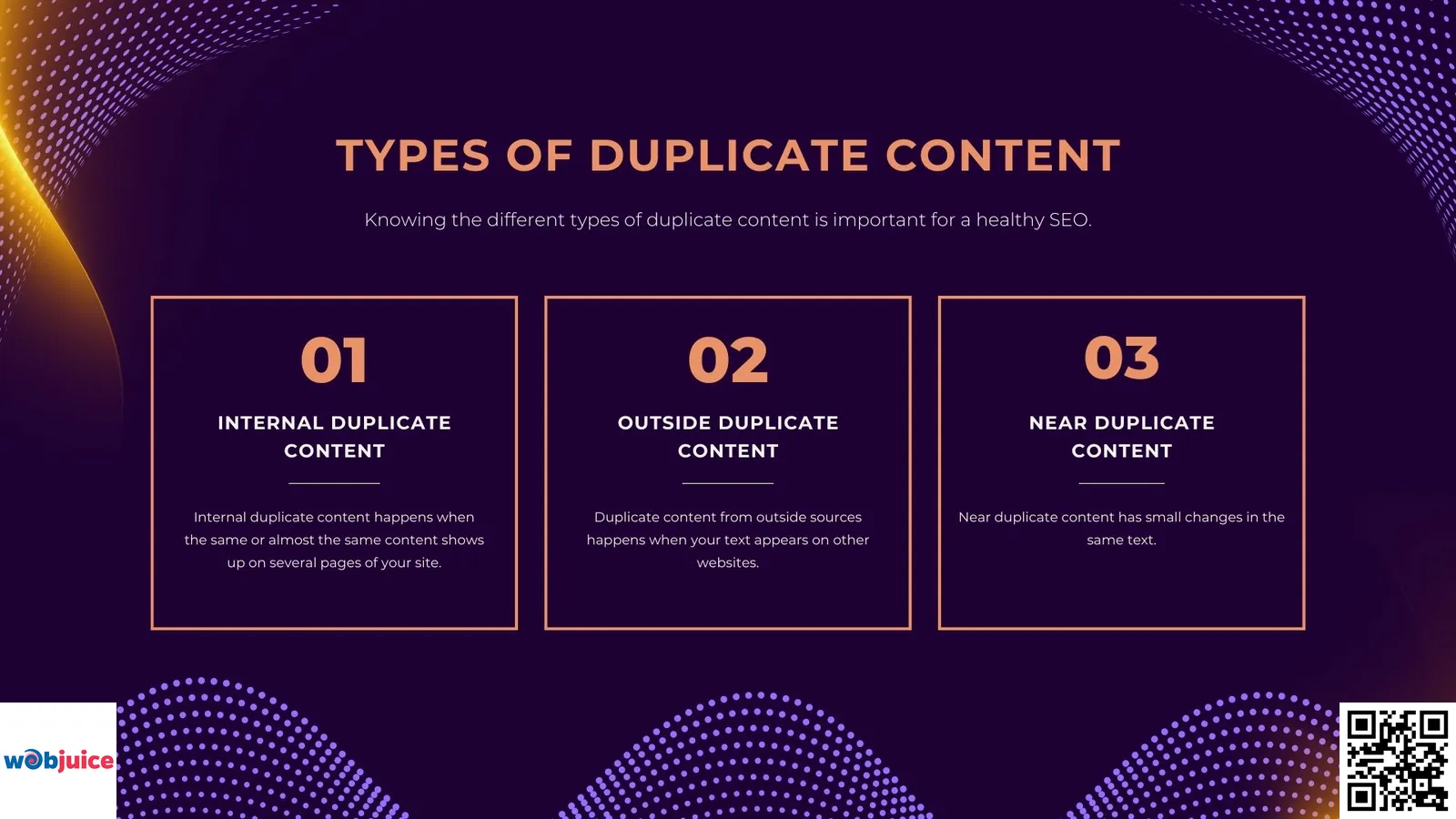
Several types of duplicate content include Internal duplicate content, Duplicate content from outside sources and Near duplicate content.
Internal duplicate content happens when the same or almost the same content shows up on several pages of your site.
They may have a hard time figuring out which page should be ranked higher.
Using good technical SEO practices can fix these issues and improve your site’s performance in search results.
Duplicate content from outside sources happens when your text appears on other websites.
This can occur if someone copies your work without your approval.
Near duplicate content has small changes in the same text.
Even if you rewrite paragraphs, search engines may still think it is a duplicate.
Content sharing can cause duplicate problems if done incorrectly.
When you share your content on different sites, use canonical tags to point out the source.
Printer-friendly versions of your pages can make copies if they are not set up correctly.
Knowing the different types of duplicate content is important for a healthy SEO.
By addressing these issues directly, you can boost your site’s visibility and rise higher in search results.
The Importance of Canonicalization
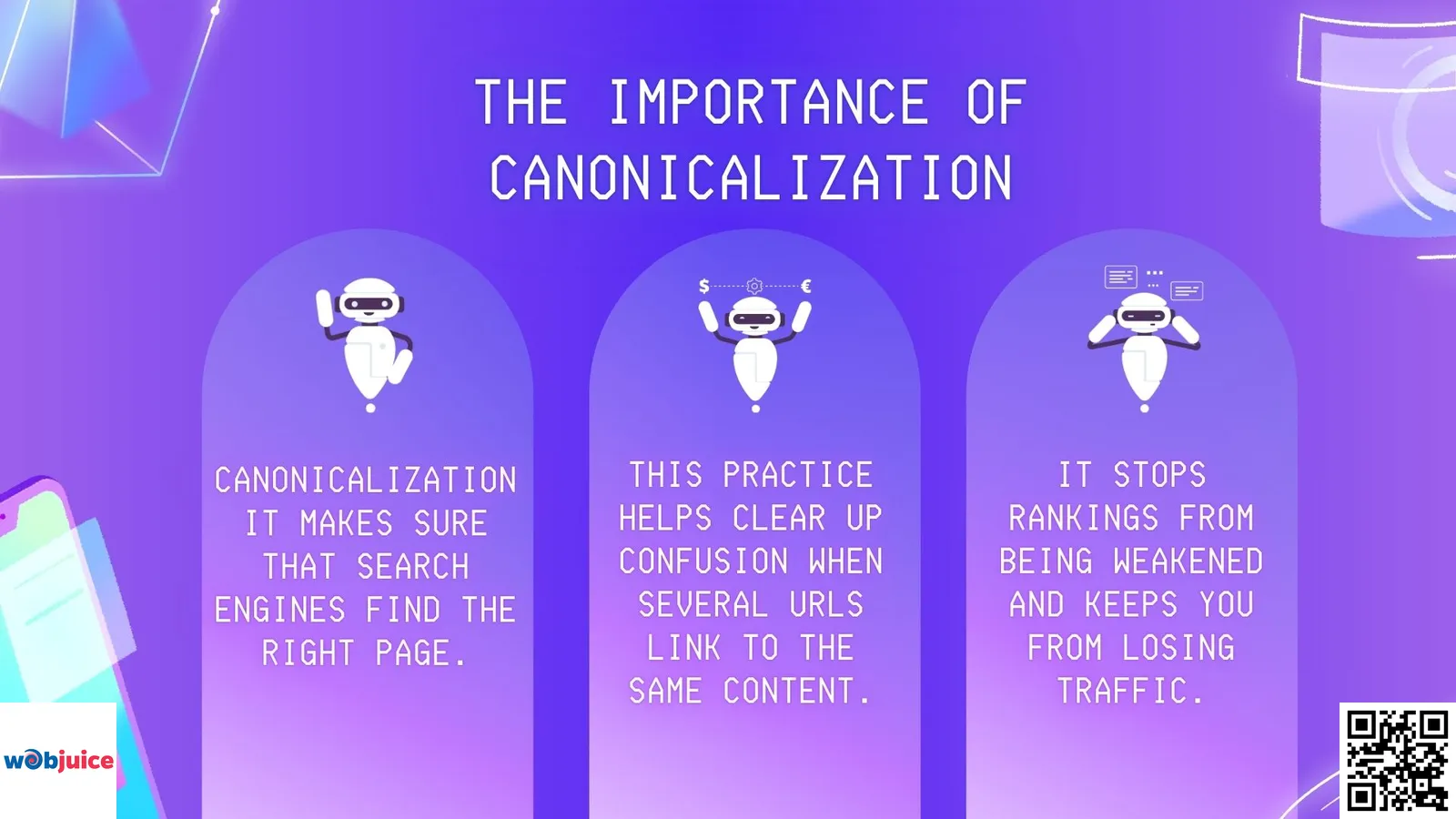
Canonicalization is very important when dealing with duplicate content.
It makes sure that search engines find the right page.
This practice helps clear up confusion when several URLs link to the same content.
It stops rankings from being weakened and keeps you from losing traffic.
By using canonical tags, you show search engines which content you prefer.
Proper canonicalization helps search engines read your site better and understand how it is set up.
Making your content plan better with good canonicalization does more than just stop fines.
How Canonical Tags Work
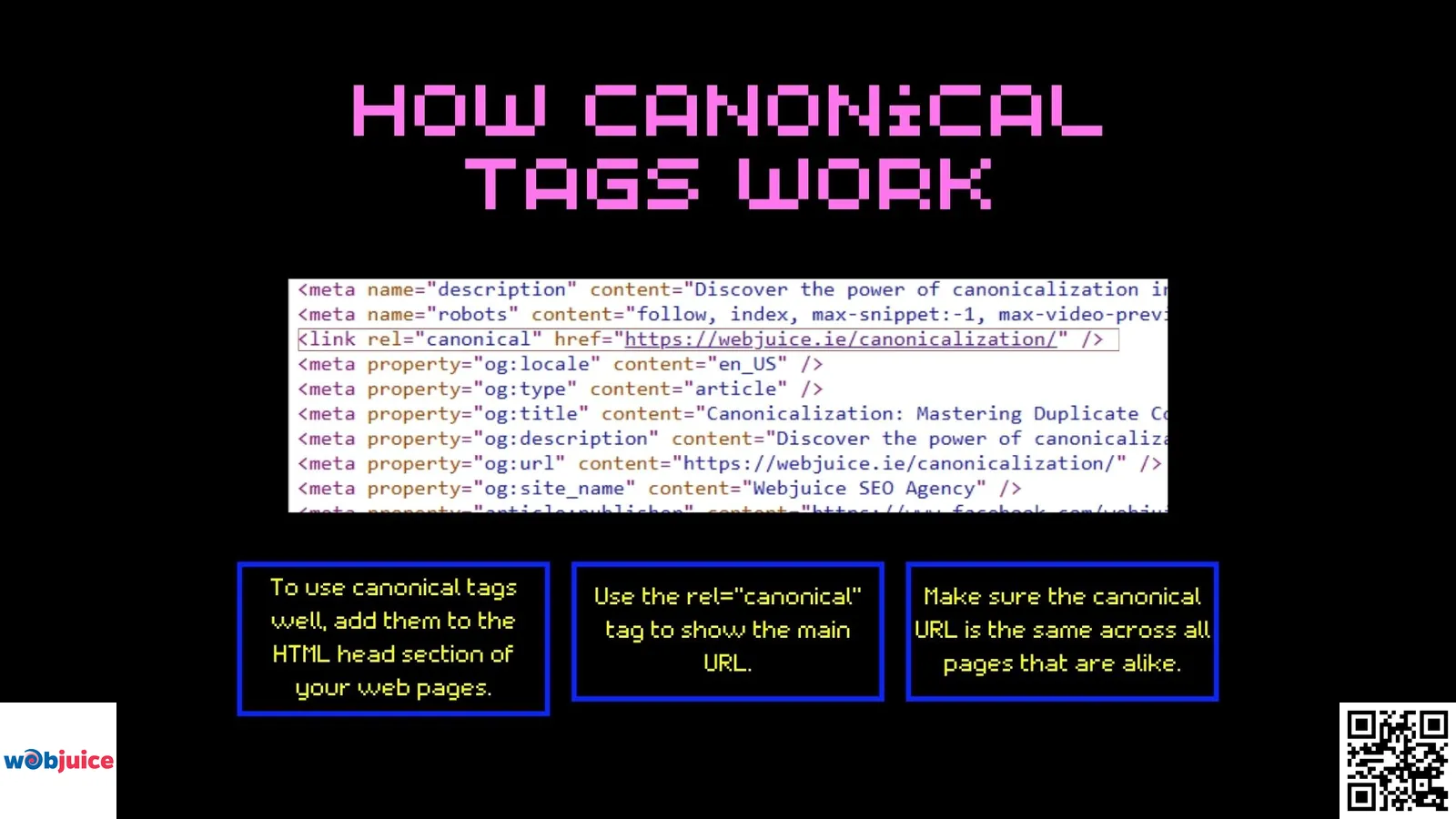
To use canonical tags well, add them to the HTML head section of your web pages.
Use the rel=”canonical” tag to show the main URL.
Make sure the canonical URL is the same across all pages that are alike.
Avoid common mistakes.
Do not use several canonical tags on one page.
Also, don’t create circular references.
Always use clear absolute URLs in your canonical tags.
Regularly check your website’s canonical tags to make sure they work correctly.
Use webmaster tools to find any errors or problems with the tags.
Purpose of Canonical Tags
Canonical tags show search engines the page you want them to consider as the main one.
They work like a beacon, pointing to the URL that should be most important.
These tags help you steer clear of problems with duplicate content.
When several pages have the same content, search engines may find it hard to decide which one to place higher in rankings.
Canonical tags can help fix this issue.
Using canonical tags the right way makes sure your selected page gets the attention it needs.
They help gather link power and make your site easier to find.
Using canonical tags is a smart choice for website owners.
They help improve online visibility and bring in the right visitors.
Implementation Best Practices
To use them correctly, first find pages with the same content and choose the main one for indexing.
Then, add a canonical tag in the HTML header of the chosen page, linking to its URL.
Use clear URLs to avoid mix-ups for search engines.
Make sure all copies of a page point to the same main URL to keep things the same.
Regularly check your site. This will help you find new duplicate content.
Then, change the canonical tags if you need to.
Remember that using canonical tags is something you should do all the time.
Check your tags again if you change your website or update the content.
Always use absolute URLs in your canonical tags.
Keep it the same for all duplicate pages.
Regular checks are conducted to find any new duplicate content.
Update your canonical tags as needed.
If you change your website layout or content, remember to review and adjust your canonical tags too.
This method helps your site show up more in searches.
Best Practices for Managing Duplicate Content
To manage duplicate content well, use canonical tags and 301 redirects.
Also, create new content.
Managing duplicate content helps your website rank better in search engines.
Start by finding duplicates through regular checks.
Use tools that look at your content layout.
After you find duplicates, use canonical tags to show the main version of a page.
Using a strong technical SEO checklist can greatly boost your site’s performance.
Reshape your content to make it special and useful.
Fresh content helps your SEO and connects with your audience more.
For the same content on different URLs, use 301 redirects.
Monitor your backlinks.
Make sure the links point to the main versions of your content.
Watch your analytics to see how well you are doing.
Managing duplicate content well can help your site gain authority and please users.
Following these tips can raise your search rankings and bring more visitors.
Tools for Analyzing Canonicalization
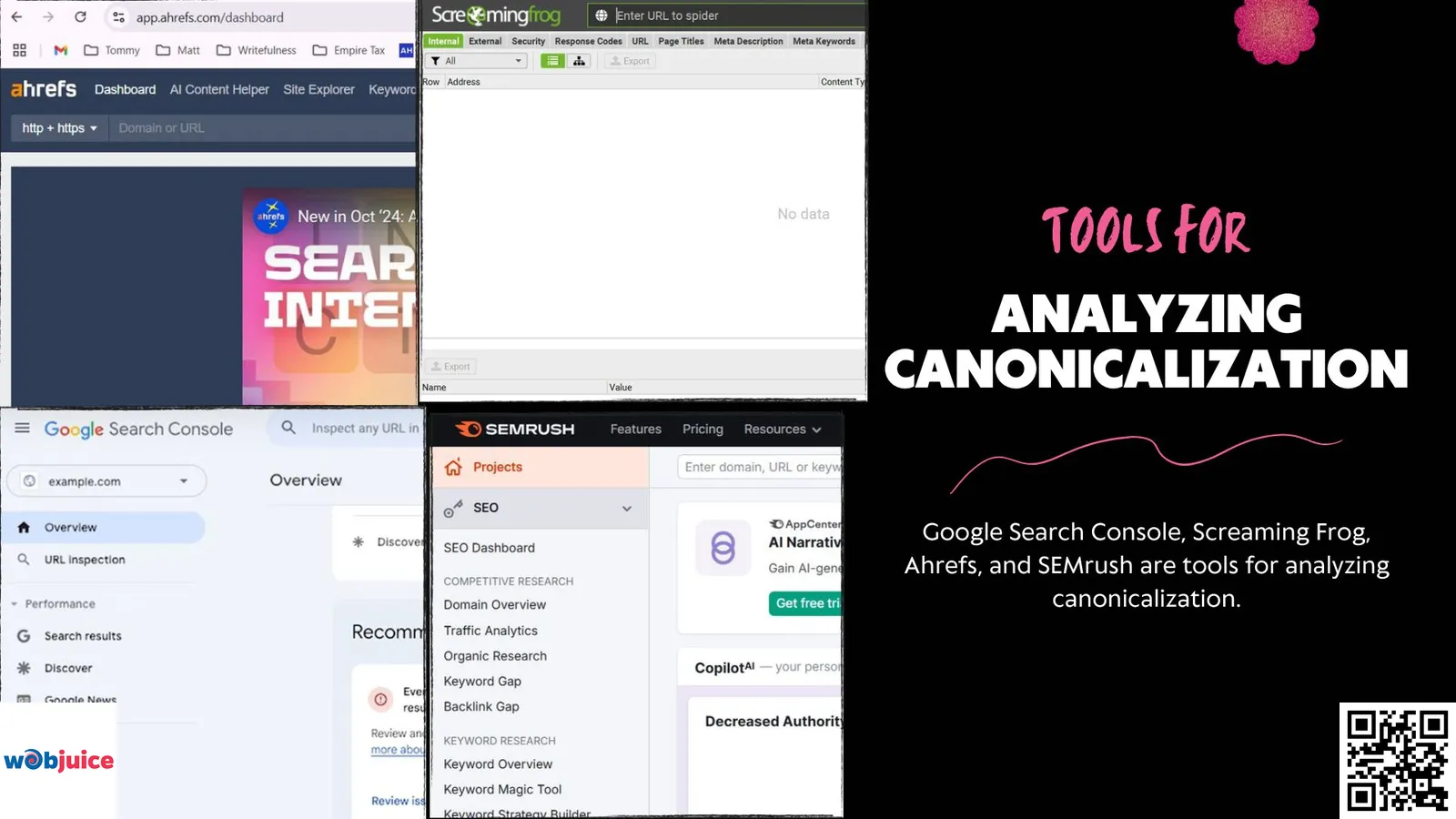
Google Search Console, Screaming Frog, Ahrefs, and SEMrush are tools for analyzing canonicalization.
These tools help keep your website healthy by using canonical tags the right way.
Google Search Console gives useful information about how Google sees your site.
It helps find any problems with the way you show your pages.
On-page SEO is very important for improving your website.
Canonicalization is key in this process.
Using canonical tags correctly helps search engines know which page to index.
Screaming Frog SEO Spider scans your website.
It shows you duplicate content and points out wrong canonical tags.
Ahrefs and SEMrush offer detailed site audits.
They find canonicalization issues and recommend fixes.
These tools help to analyze and use canonical tags effectively.
Frequently Asked Questions: Canonicalization & Duplicate Content
Expert answers to common technical SEO questions about canonical tags and content management
What exactly is a canonical tag, and where do I place it on my page?
A canonical tag (rel=”canonical”) is an HTML element placed within the <head> section of a webpage. It serves as a directive to search engines like Google, specifying the “master” or preferred version among pages with identical or strikingly similar content.
Primary functions include:
- Resolving duplicate content issues by consolidating ranking signals
- Consolidating backlinks and engagement metrics onto a single, authoritative URL
- Directing search engine crawlers during their indexing process
Proper placement in the <head> section is crucial for search engines to correctly recognize and process the canonical signal during website crawling and indexing.
How does duplicate content actually hurt my website’s SEO performance?
Duplicate content creates significant confusion and inefficiency for search engines, leading to several negative impacts on your SEO performance:
- Ranking Signal Dilution: When crawlers encounter multiple identical pages, they split ranking signals (backlinks, authority) between them, preventing any single page from achieving its full ranking potential
- Wasted Crawl Budget: Search engines spend valuable crawling resources on redundant content instead of discovering new, unique pages
- Internal Competition: Your own pages compete against each other in search results, weakening overall visibility
- User Experience Issues: Visitors may encounter multiple identical results from your domain, reducing trust and engagement
Note: While not an explicit manual penalty, the algorithmic impact consistently weakens search visibility, lowers rankings for key terms, and reduces organic traffic to your most important pages.
Should I use a canonical tag or a 301 redirect to handle duplicates?
The choice between a canonical tag and a 301 redirect depends on the user experience and the page’s functional purpose:
Use a 301 Redirect when:
- You want to permanently retire a duplicate page
- You need to physically send all users and search engines to a different URL
- Ideal for: outdated product pages, merged blog posts, site migrations, or discontinued content
- Result: Definitive consolidation of page authority with immediate user redirection
Use a Canonical Tag when:
- You need to keep the duplicate page accessible to users
- You want to tell search engines which version to prioritize for indexing only
- Common use cases: session IDs, printer-friendly pages, paginated series (e.g., blog/page/1/, blog/page/2/), or parameter-based URLs
- Result: Manages search equity without removing the page from user navigation
Can a canonical tag pass “link juice” or ranking power?
Yes, canonical tags are a primary mechanism for consolidating “link juice” or ranking equity. This process works through several key mechanisms:
- Signal Aggregation: When multiple similar pages link to a single canonical URL, search engines attribute collective ranking signals to that preferred page
- Authority Consolidation: Backlinks, internal links, and social shares pointing to duplicate versions are effectively channeled to the canonical page
- Ranking Power Concentration: This pooling of authority significantly strengthens the canonical page’s ability to rank competitively in search results
- Prevention of Fragmentation: Acts as a fundamental strategy to prevent link equity from being diluted across multiple duplicate versions
The canonical tag essentially creates a “vote consolidation” system, ensuring that all positive signals from duplicate pages contribute to the ranking strength of your preferred canonical URL.
What are the most common mistakes to avoid when implementing canonical tags?
Avoiding these common pitfalls is essential for a successful canonicalization strategy:
- Inconsistent Implementation: Every page should either have a self-referencing canonical tag or point to a preferred version. Mixed approaches confuse search engines
- Canonical Chains or Loops: Avoid scenarios where Page A canonicals to Page B, which then canonicals to Page C (or back to Page A). This creates resolution loops that weaken the signal
- Using Relative URLs: Always use absolute URLs (full path including https://) in your canonical tags. Relative paths can be misinterpreted by crawlers
- Conflicting Signals: Ensure other technical signals align with your canonical choice. Common conflicts include:
- Canonical page blocked by robots.txt
- Different page featured in your XML sitemap
- Inconsistent internal linking structures
- Mismatched HTTP/HTTPS or www/non-www versions
- Canonicalizing to Non-Equivalent Content: Only use canonical tags for truly duplicate or very similar content pages
Summary
Mastering canonicalization is non-negotiable for a robust, search-friendly website. By strategically implementing canonical tags, you provide search engines with an unambiguous signal, ensuring they index and rank your intended, primary content. This consolidates page authority, enhances crawl efficiency, and safeguards your site against the ranking penalties associated with duplicate content.
To solidify your SEO foundation, remember these key actions:
Audit Regularly: Consistently use tools like Google Search Console, Screaming Frog, or SEMrush to identify and resolve new duplicate content issues.
Implement Precisely: Apply canonical tags correctly using absolute URLs and avoid common pitfalls like chains or loops.
Complement with Strategy: Support your canonicalization efforts with 301 redirects for obsolete pages and a focus on creating unique, high-value content.
Proactive canonicalization is a cornerstone of technical SEO excellence. It streamlines how search engines and users experience your site, directing traffic to your most powerful pages. By taking control of your content hierarchy today, you build a stronger, more authoritative online presence that achieves superior visibility and delivers targeted, organic traffic consistently.